FAQs
I am a Eurobank Equities client. Can I access Eurobank Trader?
- Yes. Go to the Eurobank Trader login page and follow 6 simple steps to complete your registration to the platform.
I don’t bank with Eurobank. Can I become a Eurobank Equities client and get an exchange code?
Yes, in 3 simple steps:
- Fill in and sign the application form.
- Collect the necessary supporting documents.
- Submit the forms and supporting documents.
Once we’ve received and processed the documents, we create your code and notify you immediately over the phone or by email.
How can I get login credentials for the Eurobank Trader platform and the Eurobank Trader App?
When registering to Eurobank Trader or Eurobank Trader App, you set the username and password of your choice.
You get access to both channels with the same credentials.
See the detailed steps to gain access to Eurobank Trader.
How to access Eurobank Trader
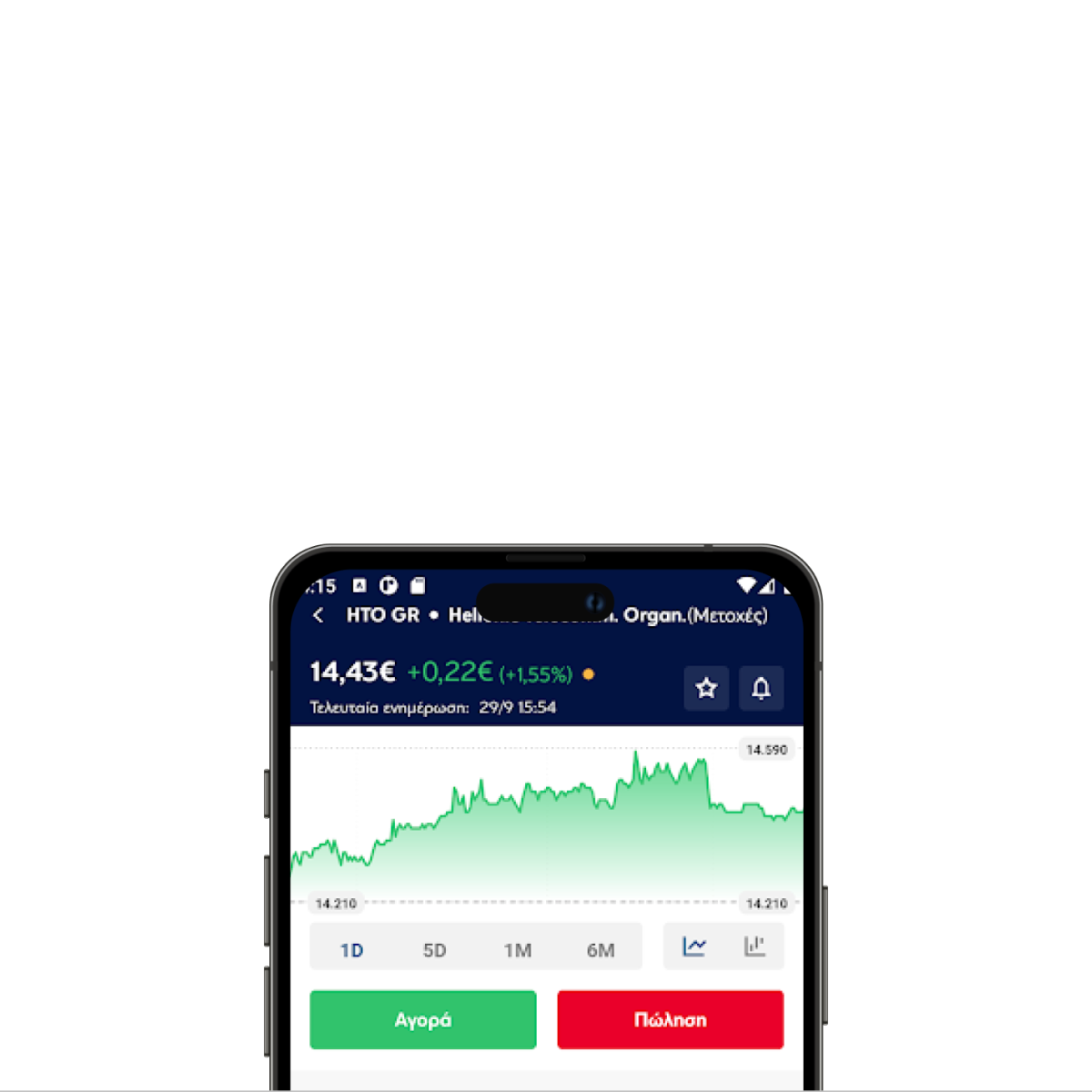
Download the Eurobank Trader App today
How to register
If you are already a Eurobank Equities client
On the login page from your computer or the Eurobank Trader App on your mobile:
- Choose “Register”.
- Enter your ID number, passport number or VAT number registered with Eurobank Equities.
- Enter your exchange code (OASIS), which consists of 2 to 6 digits.
- Choose “SUBMIT” to receive a one-time password (OTP).
- Enter:
- A username of your choice. You cannot change it later
- The OTP sent to your mobile.
- A password. The password must be confidential, at least 8 characters long, and include letters, numbers and special characters. It shouldn't contain parts of your username.
- Choose “COMPLETE ACCESS”.
Once you see the "SUCCESSFUL REGISTRATION" screen, your registration is complete.
If you are not a Eurobank Equities client
To access Eurobank Trader, you must first become a Eurobank Equities client.
Once the process is complete, follow the steps above to register to Eurobank Trader and get login credentials.
How to log in
From your computer, tablet or mobile, go to the login page:
- Enter your username and password.
- Read and accept the terms of use.
- Choose “Log in”.
If you’ve forgotten your password
Recover your password in a few, secure steps.
From your computer or tablet, on the login page:
- Click on “Password reset”.
- Enter your username and ID number, passport number or VAT number registered with Eurobank Equities.
- Click on “Send me a one-time-password”.
- Enter:
- The OTP sent to your mobile.
- The new password of your choice.
Once the process is complete, a success message will appear.
From the Eurobank Trader App:
- Open the app and tap on “I forgot my password”.
- Enter your username and ID number, passport number or VAT number registered with Eurobank Equities.
- Tap on “Send me a one-time-password”.
- Enter:
- The OTP sent to your mobile.
- The new password of your choice.
Once the process is complete, a success message will appear.
FAQs
I forgot my exchange code. What should I do?
- Contact us over the phone on +302103720000 Monday-Friday, 09:30-17:30.
I want to change my account details. How can I do it?
Depending on the day and time, you can reach us:
- 24/7 via message through Eurobank Trader
- During ATHEX trading days and hours by calling on +302103720580
Submit a request for the changes you want and our team will complete the process.
Is there a minimum transaction commission on Eurobank Trader?
- Depending on the service. View our charges in detail.